Hello all, managed to pair my phone with the MIA on my bike, everything works apart from navigation. When i select a destination it says no route found, please check your navigation settings. Im at a loss here, any help appreciated, thank you.
it will do that if GPS not enabled on the phone, sorry to point out the obvious but… yes i actually have forgotten to turn it on a few times lol
now i have the phone set up that when it detects it has connected bluetooth to the bike, it automatically turns on mobile data and GPS, starts the MG app, and a macro taps the data button (also you have done that too? should be two symbols lit on dash, one for phone, another for data).
btw if you bought bike second hand you need a subscription, new bikes get 3 years included
there are a few undocumented short cuts in the navigation screen too, to remove fields and expand the map. once you have a route plotted, tap the blue dot that shows your location and it removes a panel, you can then tap just next to the settings icon (on the + symbol next to destination) and it also removes the search bar. tap blue dot again to get them back.
two fingers up and down changes map angle. long press up on the right menu control on handle bar swaps between navigation or normal dash layout while riding
Thank you for the help and info. Got GPS on etc, just tried it on another phone and it works, i think it may be an Android thing, All the best, Jon
1 Like
I have recently purchased a v85tt travel. The sat nav had expired and I purchased the 3 year upgrade. Although the MIA indicates that it has paired with the BT Router, the icon for the phone and the connection icon both remain unlit. When I try to pair a Bluetooth ear piece the bike doesn’t recognise it and tells me there is a problem and try again. When I posh the mode button up the dash tells me that navigation isn’t available. I also, for the first time, rode whilst the phone was connected to the router, and the mileage reading on the MIA, which had always mirrored the dash, is now greater than the reading of the dash. I suspect that the Router is not connecting properly with the dash. Does anyone know if the Router is a separate plug in part which can be replaced?
the bluetooth router is the mia, it’s attached near the ecu under the seat, it has bt router embossed on the plastic cover, it has it’s own plug a bit like the diagnostic socket plug, it is easy to unplug it if you need to. not sure what you mean by the bt router indicates it is connected to the mia. they are the same thing. EDIT- I’ve realised you mean the Mia phone app. is not connected…
I would clear thr Bluetooth pairing on the bike menu and on the phone start over again:
you set the bike to “pairing" in the dashboard menu, then pair the phone using your usual Bluetooth settings in phone. when it is connected a phone icon with a tick appears on dash.
once you have done that, you then tap the circular icon with dots in the app, this is the data connection. i tend to commute without connecting that because:
If logging is enabled it records your trips which ends up taking space on the phone, for lots of uninteresting journeys that then need deleted from the “activities" section.
if logging is disabled, it still records an entry of the trip, with no GPS info, that you then cannot individually delete at all.
lastly, if phone is connected without the data connection, all the phone functions work (except possibly voice assistant), so it will receive calls or stream music anyway, and the bike controls still work to answer calls or pause music/change track
I have macros set up so the phone automatically turns on Bluetooth and tries to connect to the bike if WiFi is disconnected from my home network. another macro waits 3 minutes after connection and then sets volume and plays music. i have another macro to auto connect the data if I am going on a long trip and do want logging. the phone macros know the difference between connected to the bike, or connected to the car, and do different actions depending which one.
if you want to use the navigation on the bike dash/controls, you must have data connected as well, not just Bluetooth.
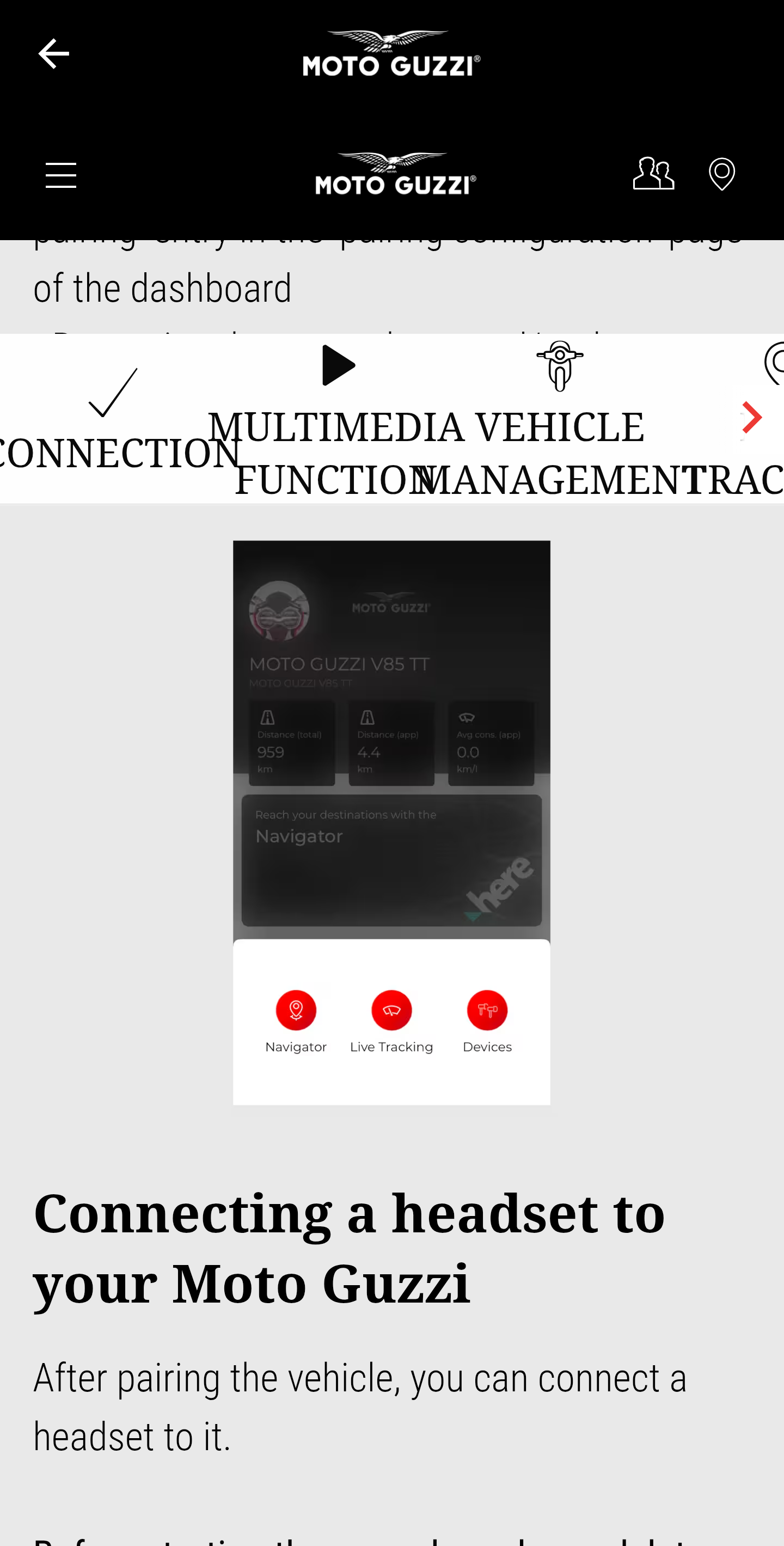
use the app on the phone to add any new devices such as helmet or earbuds, by settings those devices into pairing mode and tapping the devices icon in the app. you specify rider or passenger when you do this.
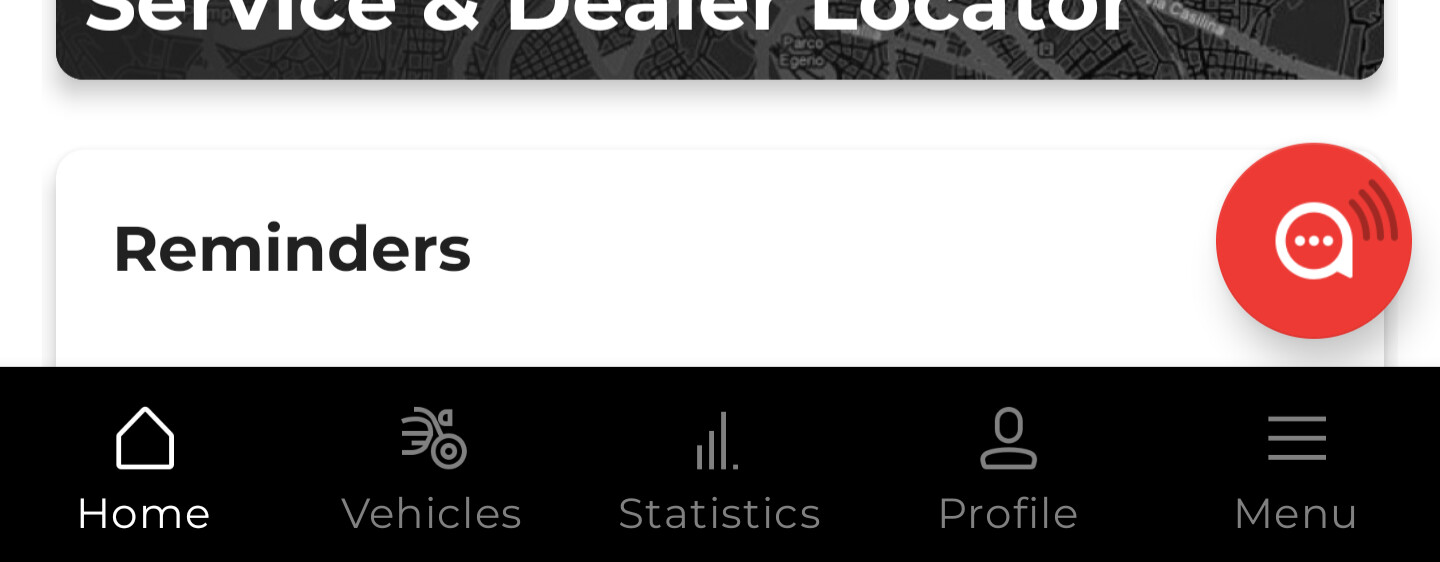
attached is screenshot of the data connect button in app - the icon on bike looks similar, if you only have the phone icon lit, and no data icon, navigation does not work via the bike dash and none of the app linked functions will work (you can of course use the navigation stand alone, eg in your car, but it’s not great that way).
when the app is connected to the bike, if you tap the data button again you get a pop up menu which you will have seem already if you are using the live data screen, instead of picking that, pick “devices" - that’s where you add your Bluetooth earbuds or helmet.
Thank you for the help. When my iPhone says BT Router is connected I still have no lit icon on the dash, even after pressing the button
have you gone in the app and set the device (phone) up there as well?
I think it has to be told what is a phone and what is a headset
I will look into that.
Just a thought. But is the BT Router your house router? I just had a look at the Bluetooth list on my phone and I don’t have that. I can check in the morning what mine is connected via in terms on of name. It might be MO and then 4 numbers.
I did consider that although it has a separate name and log in, so I tried out of range with the same results, but thanks for the thought.
the default name on my mia was BT router, however it shows as V85TT in my phone because I renamed it once I got it connected